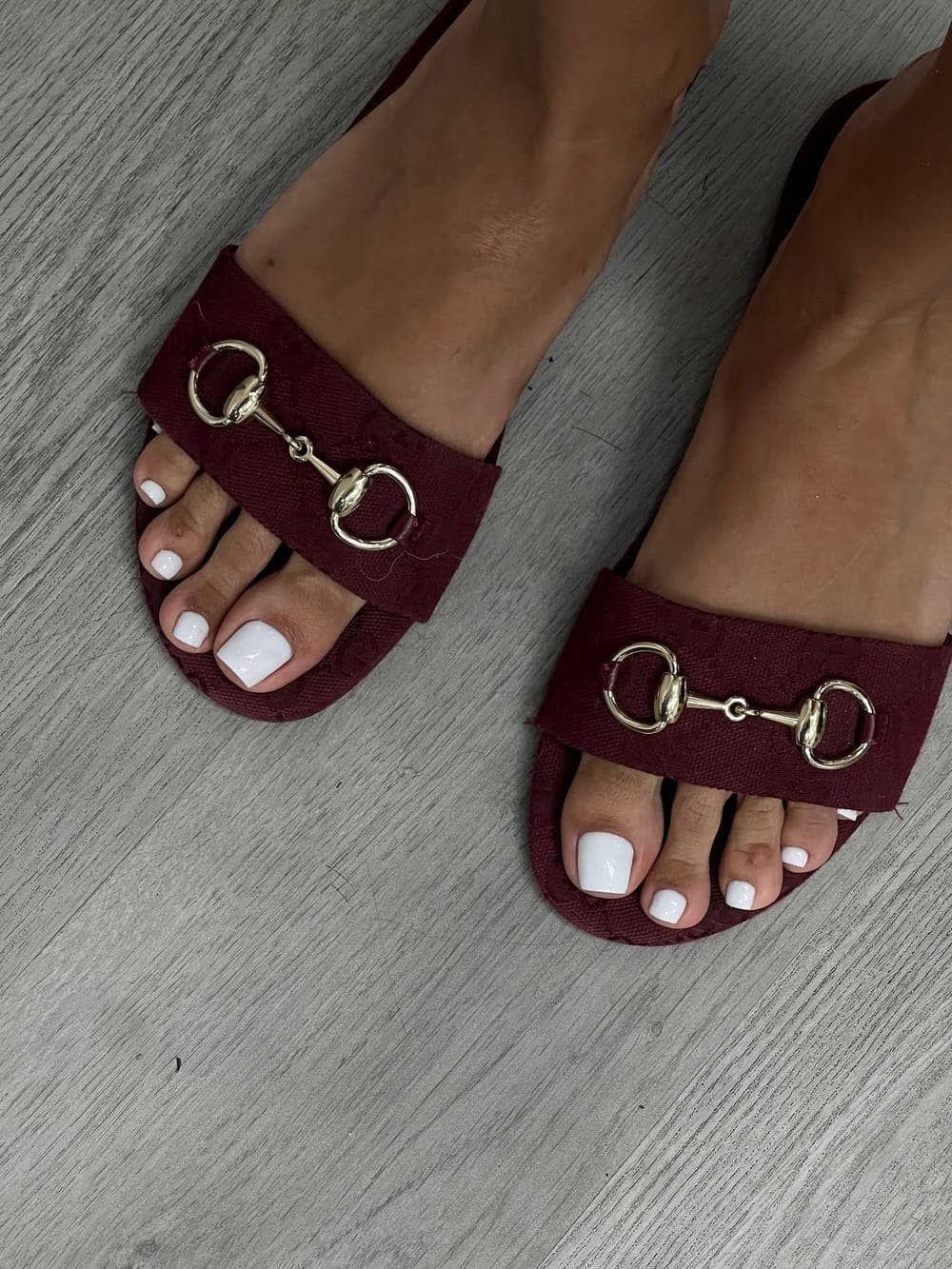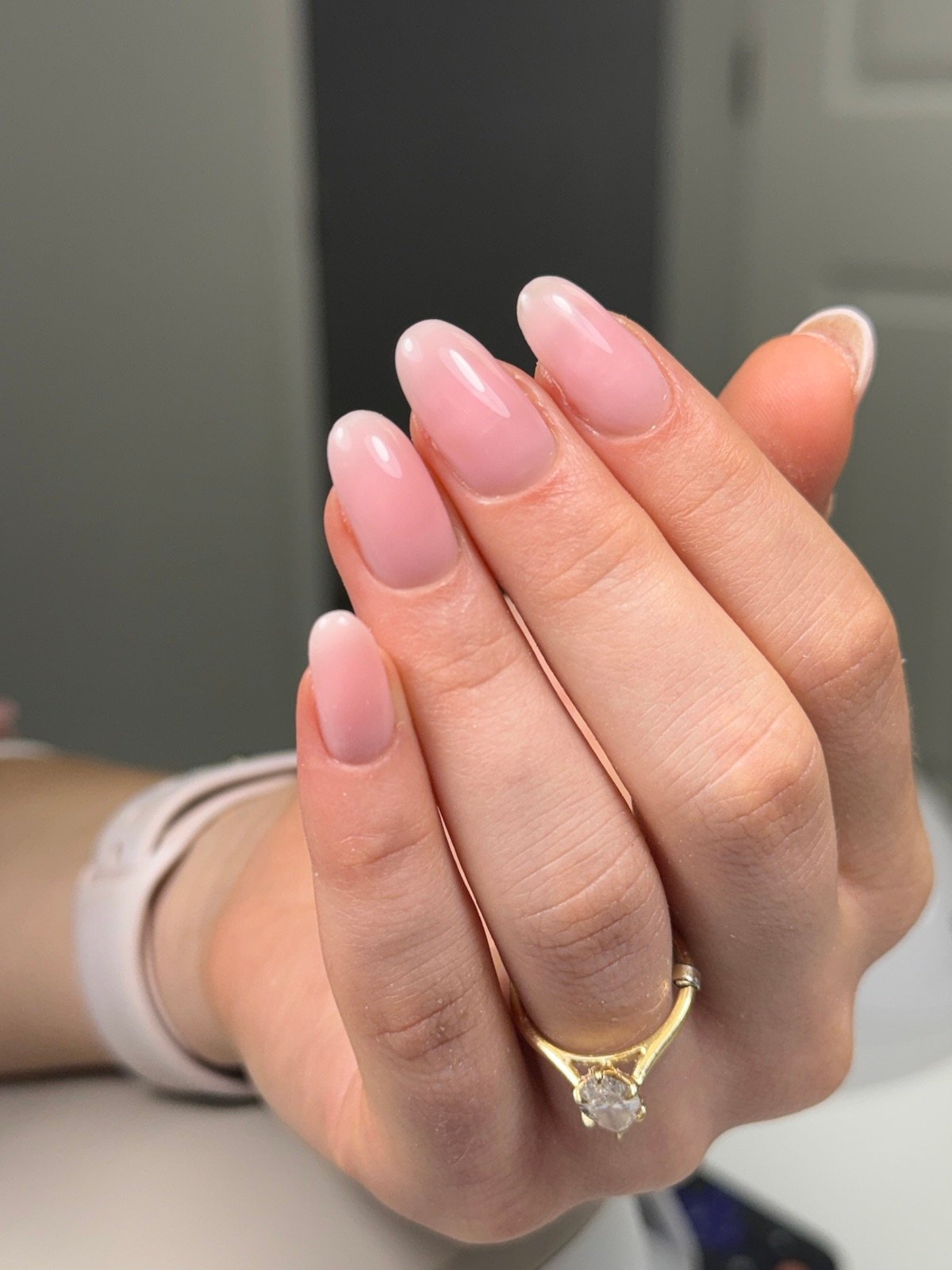
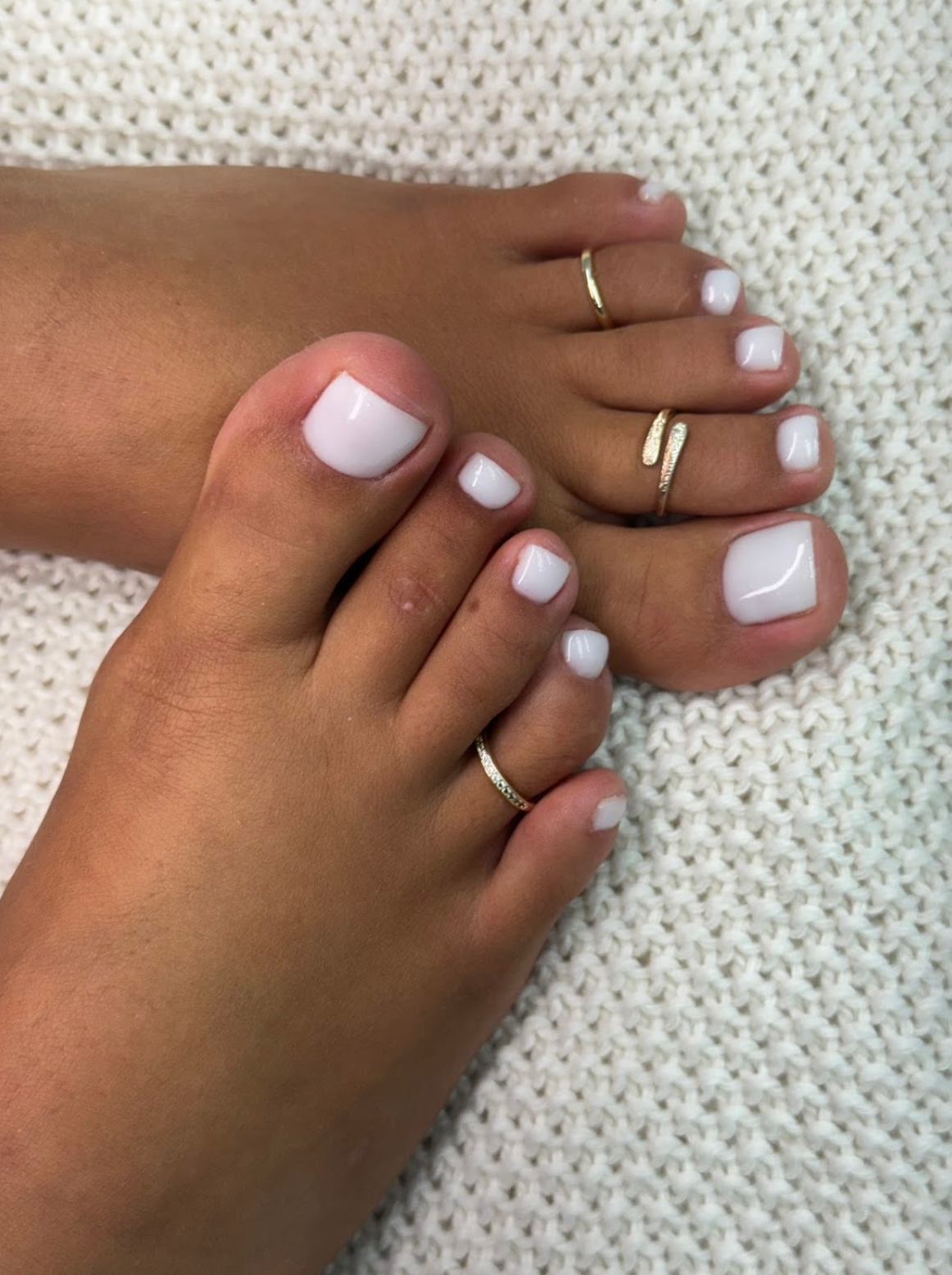
A cover photo needs to make sense at a size smaller than the picture you edit on your phone. A grid of small versions lets you decide which view still tells the story when someone sees it quickly.
Choose four different angles
Pick one simple full view, one closer frame and two alternatives with a slightly different crop. Place them in one grid at equal size so a larger preview cannot decide the choice for you.
Look for a clear subject
Step back from the screen and ask which panel makes the color and shape easy to read. Watch for bright reflections, busy backgrounds and crops that cut off the shape.
Review the winning image on its own
Open the full photo and confirm the key area is sharp. If the thumbnail needs a different crop, leave enough surrounding space for several screen sizes.
Nail Boss Studio Tampa
Explore the Nail Boss Studio gallery
Browse studio photos to build a clear visual reference for your next visit.