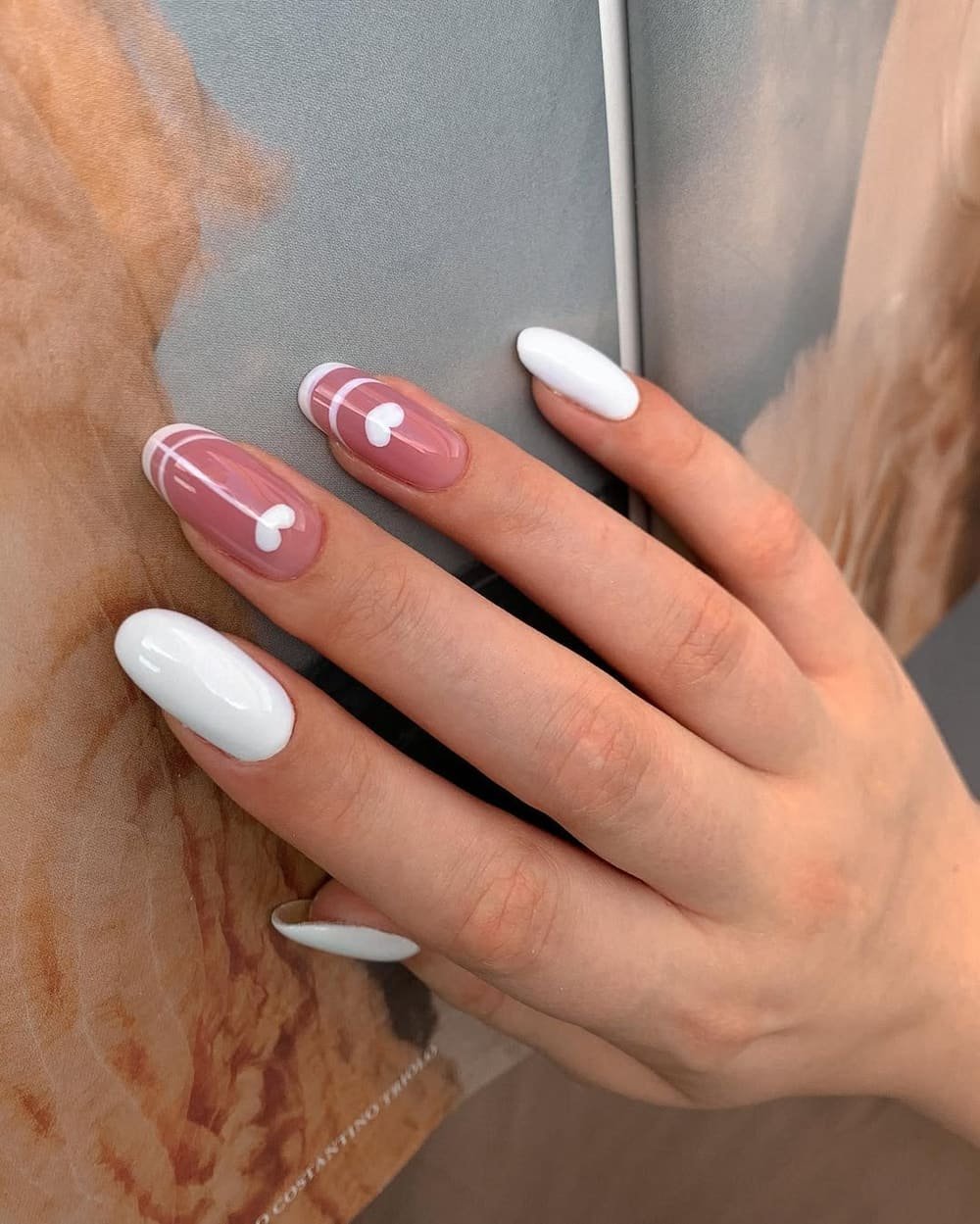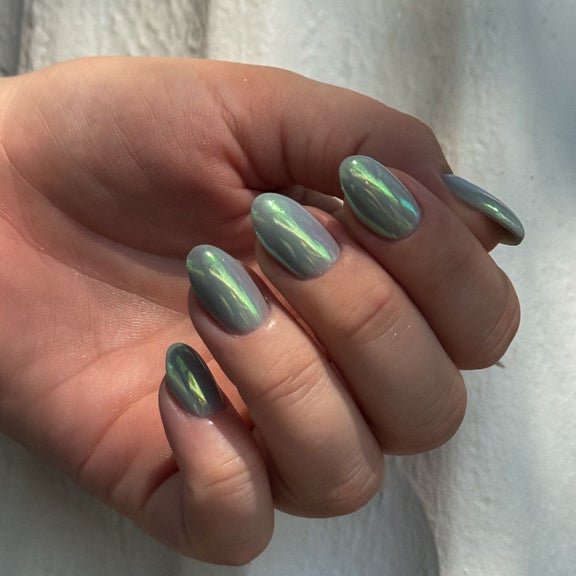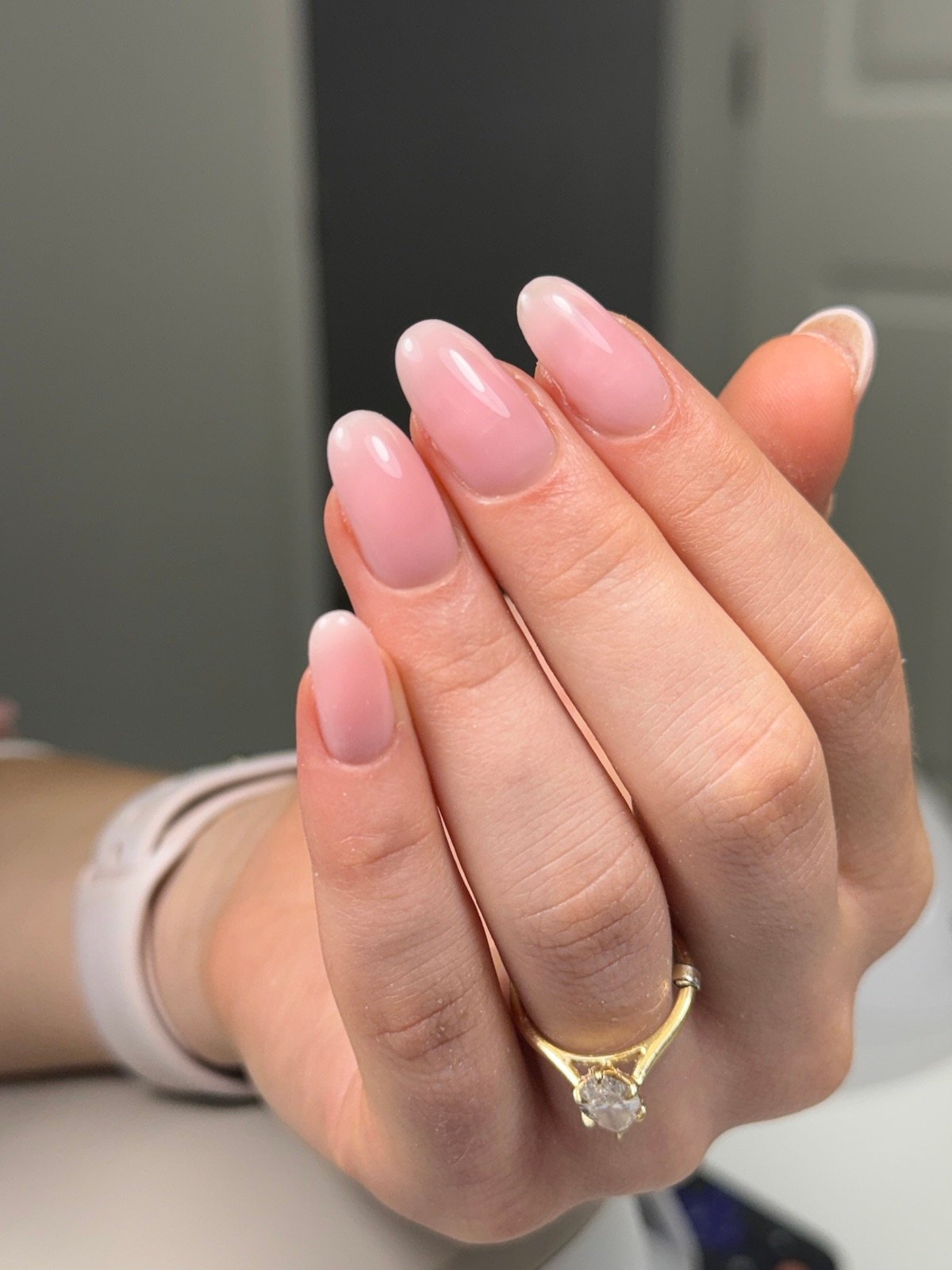

If you have several photos from recent appointments, a grid can make one question easier to answer. Decide whether you want to compare corner softness, tip width or the amount of design on each nail.
Pick the same finger for each frame
Use the same finger when possible and crop each photo around its outline. If one photo shows more of the hand, crop it so the nail takes up about the same area as the others. Leave full-hand photos available separately.
Put the options in a useful order
Arrange the grid by the feature, such as the thinnest tip through the thickest. Add a short label to each tile. Keep light and color differences in mind if the pictures were taken on separate days.
Make one choice from the grid
Mark the version you like, then save the original image for your technician. Add a note identifying the exact part to repeat.
Nail Boss Studio Tampa
See the studio gallery
Browse the gallery for another example of framing, color or placement.